
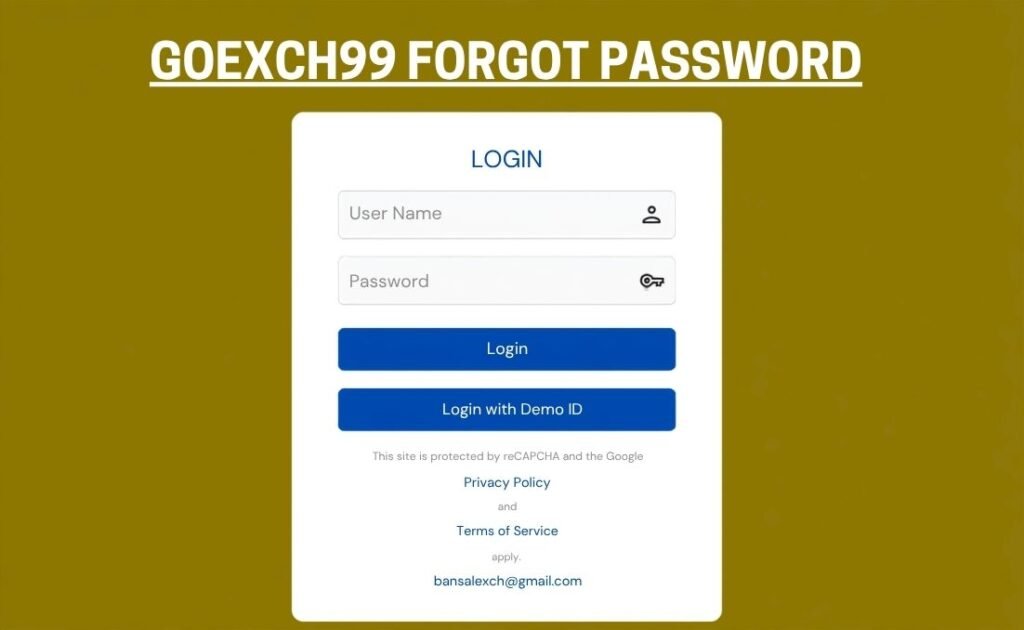
Goexch99 Password Reset & Account Recovery Guide (2026)
Losing access to your Goexch99 online cricket ID can be frustrating, especially when major sporting events or live market trading opportunities are underway. Because sports exchange platforms operate on a managed credential model, resetting a forgotten password on Goexch99 involves specific, secure verification protocols to protect account balances and trading records.
Primary Password Recovery Methods on Goexch99
Depending on how your Goexch99 master ID was initially issued, account recovery follows one of two primary workflows:
Note on Architecture: Most online cricket IDs in India are issued through authorized master agents or customer support desks. Therefore, direct agent messaging via WhatsApp remains the fastest and most reliable recovery path for 95% of platform participants.
Step-by-Step Password Reset Workflows
- Method 1 – Agent & WhatsApp Desk Assistance (Fastest Method):
- Open WhatsApp or your preferred communication channel used during initial account setup.
- Send a clear message to your official Goexch99 agent or master support desk requesting a password reset.
- Provide your registered User ID and the Mobile Number linked to your account wallet.
- Complete identity verification by confirming your last transaction details or registered profile name.
- Receive a temporary system password generated directly by the master panel.
- Method 2 – Direct Web Portal Reset (Self-Service):
- Navigate to the official Goexch99 login domain in your browser.
- Locate and click the “Forgot Password?” link below the credentials input box.
- Input your registered Username or mobile phone number.
- Enter the 6-digit One-Time Password (OTP) sent via SMS to your mobile device.
- Set a strong new password containing uppercase letters, numbers, and special symbols.
Comparison of Recovery Options
| Recovery Route | Average Time | Requirements | Recommended Use Case |
|---|---|---|---|
| WhatsApp Support Desk | 2 – 5 Minutes | User ID, Linked Phone Number | Primary option for agent-backed accounts |
| Self-Service Web OTP | 1 – 3 Minutes | Registered Phone, Active SMS Access | Direct web registrations with SMS integration |
| Master ID Escalation | 15 – 30 Minutes | Proof of Deposit, Transaction ID | Disputed IDs or unreachable agents |
Essential Security Protocols Post-Reset
Once you regain access to your Goexch99 portal, executing immediate security measures prevents unauthorized access and secures your funds:
- Change Temporary Passwords Immediately: Always replace temporary credentials assigned by agents via Account Settings > Change Password.
- Use Unique Password Patterns: Avoid common terms like “Cricket123” or “Password123”. Combine upper and lower case letters with digits and symbols.
- Clear Browser Cache & Sessions: Log out of active sessions across secondary devices before entering new credentials.
- Verify Official Channels: Only share verification data with authenticated support numbers to prevent phishing attempts.
Account Security Warning: Support desks will NEVER ask for your financial PINs, banking passwords, or personal wallet passphrases during a password reset. Never share OTPs with unverified third parties.
Frequently Asked Questions (FAQ)
1. What should I do if my Goexch99 agent is unresponsive?
If your assigned agent does not respond within 30 minutes, contact the Goexch99 main helpline or master panel desk directly with your User ID and proof of recent transactions to request an administrative override.
2. How can I prevent my Goexch99 account from getting locked?
Avoid entering incorrect passwords multiple times consecutively. Entering wrong credentials more than 5 times triggers an automated security freeze on your ID.
3. Is there a fee for resetting a Goexch99 password?
No. Password reset and account recovery services are provided entirely free of charge across official Goexch99 desks.